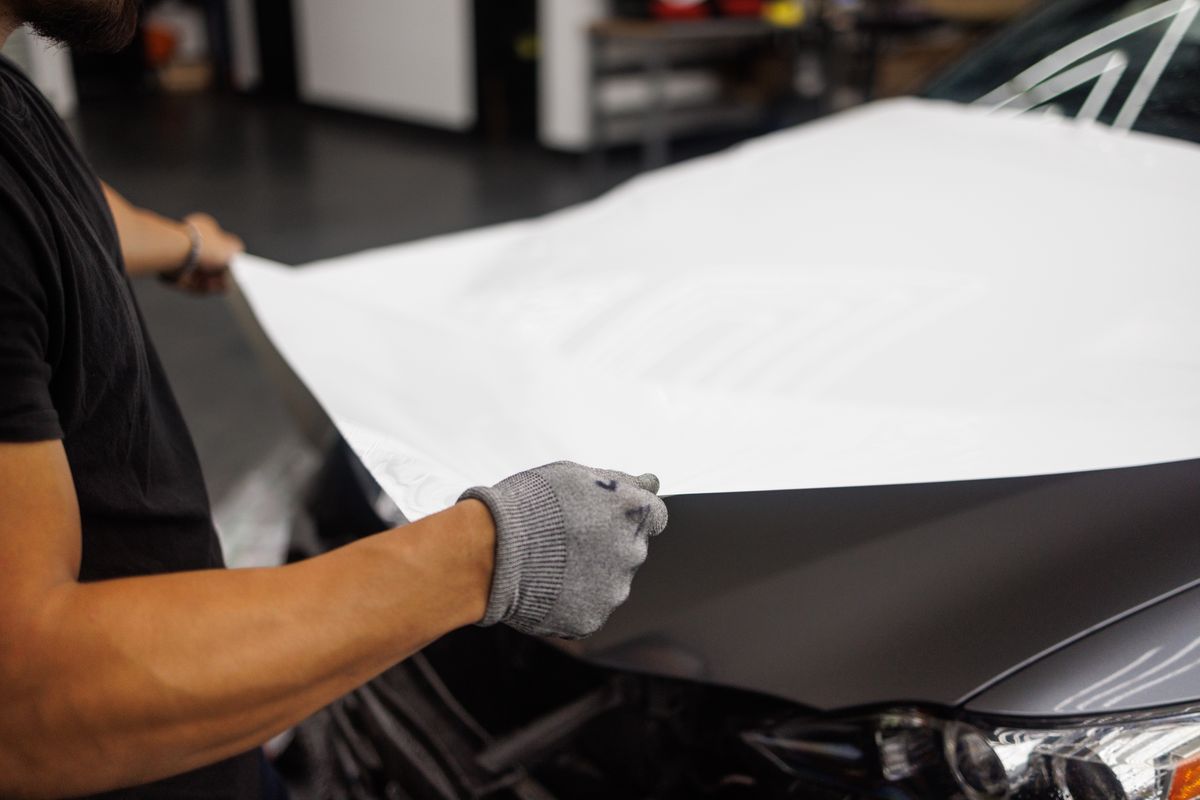
If you run a PPF or window tint shop, you already know the friction: proprietary software that only works on one computer, patterns that don't transfer between machines, and a plotter that holds your whole workflow hostage to a single vendor's ecosystem. We built OmniPlot to fix that.
OmniPlot is the first fully browser-based PPF and window tint cutting platform. No install, no drivers, no dongles. Open a tab, pick your vehicle, nest your pieces, and send to your plotter — from any device in your shop.
The problem we kept hearing
Talk to enough PPF and tint installers and the same complaints surface. The software they rely on is expensive, locked to a single workstation, and often bundled with a plotter brand they didn't choose for the software. When that machine goes down, the whole cutting side of the business stops.
Worse, pattern libraries are siloed. Switching brands means re-purchasing access to the same measurements you already paid for. And for shops running both PPF and window tint jobs, managing two separate tools — often from different vendors — adds real overhead every day.
What OmniPlot changes
OmniPlot runs entirely in the browser. There's nothing to install and nothing to license per-machine. Every tech in your shop can open OmniPlot on the nearest device — the shop iPad, a tablet at the bay, or your main desk — and the state is synced across all of them.
The pattern library covers PPF and window tint zones in the same place. One search, one vehicle, two job types. No switching tools, no double-entering the make and model, no reconciling two different pattern formats.
12,400+ professionally measured templates
The OmniPlot pattern library launches with templates for every major make and model going back years — sedans, SUVs, trucks, coupes, hatchbacks. Every zone is professionally measured: hood, fenders, bumpers, mirrors, rockers, all four doors, and the full window tint set including windshield, rear glass, and quarter windows.
New vehicles are added weekly. If your model isn't there yet, submit a request in the library. The community votes on priority and we turn around high-demand vehicles fast.
Auto-nesting: your material works harder
Material waste is one of the biggest hidden costs in any cutting shop. Manually arranging pieces on a roll is slow and leaves money on the floor.
OmniPlot's auto-nest optimizer runs a shelf-packing algorithm across every piece in your job, evaluating multiple sort orders and running a swap-improvement pass to push efficiency higher. The result is tight, organized layouts that respect your roll width and minimize the tail you cut off at the end.
Efficiency percentage is shown in real time as you add pieces, so you can see exactly how much of the material you're actually using before you ever send the file.
Works with your existing plotter
OmniPlot exports universal HPGL (.plt) — the command language understood by every major cutting plotter on the market. Roland, Graphtec, Mimaki, USCutter, Summa, VEVOR, Silhouette — if it cuts, OmniPlot drives it.
Three ways to send your file, depending on your setup:
- Download and open — export the .plt and open it in your plotter's existing software. No changes to your current workflow.
- Web Serial (Chrome/Edge) — connect directly from the browser with zero install, no drivers needed.
- Cut Agent — a small background app for Windows, Mac, and Linux that handles automated sending over USB serial or your local network.
You don't need to replace your plotter. You don't need to change how you send files unless you want to. OmniPlot fits into your existing bay without disruption.
Built for shops of every size
Solo installer working out of a one-bay shop? Free tier gets you cutting today, no credit card required. Growing team running multiple bays? Shop plans scale from 3 to 25 seats with shared job history, role-based access for owners, managers, and techs, and priority support.
Every plan includes the full pattern library, auto-nesting, and all three send methods. Paid plans unlock unlimited cuts, multi-seat access, and AI-assisted pattern review.
Start cutting in 30 seconds
There's no setup, no demo call, and no lock-in. Sign up with Google, a magic link, or your phone number — passwordless, no account to manage. Your first cut is a minute away.
If you're already running a shop on desktop software, bring your first job into OmniPlot and compare the workflow side-by-side. We think the result speaks for itself.